Cómo CafeSnap reserva por ti: paso a paso
Última actualización: 22 de julio de 2026
Esta guía detallada está disponible por ahora solo en inglés. El resumen, los precios y cómo reservar están traducidos abajo. Para cualquier duda escríbenos por Telegram o email y te ayudamos en español.
Esta página te muestra exactamente qué ocurre desde que entras en nuestra web hasta el correo de confirmación, sin sorpresas. Reservar lleva unos dos minutos. Todo lo demás es automático y no tienes que perseguir nada.
Here is the whole journey, one screen at a time. The Pokemon Cafe in Osaka and Tokyo now releases a full month of dates at once, in a single bulk drop at 6pm Japan time, and the seats are gone in seconds. After that, sold-out dates only come back as cancellations. CafeSnap is the software that competes in that release for you and watches for cancellations afterwards, so you do not have to sit at your screen at 6pm Japan time. Below is exactly what you will see and what we do behind the scenes.
Two minutes of your time at the start. After that it is fully automatic: you do not need to log in, refresh anything, or message us to chase it. If we cannot get a seat, you are refunded automatically.
You land on cafesnapbot.com
Open cafesnapbot.com. You see a short, plain page: what we do, the flat price, and a button to start. There is no account to create and no app to download. The price is already shown in your own local currency.
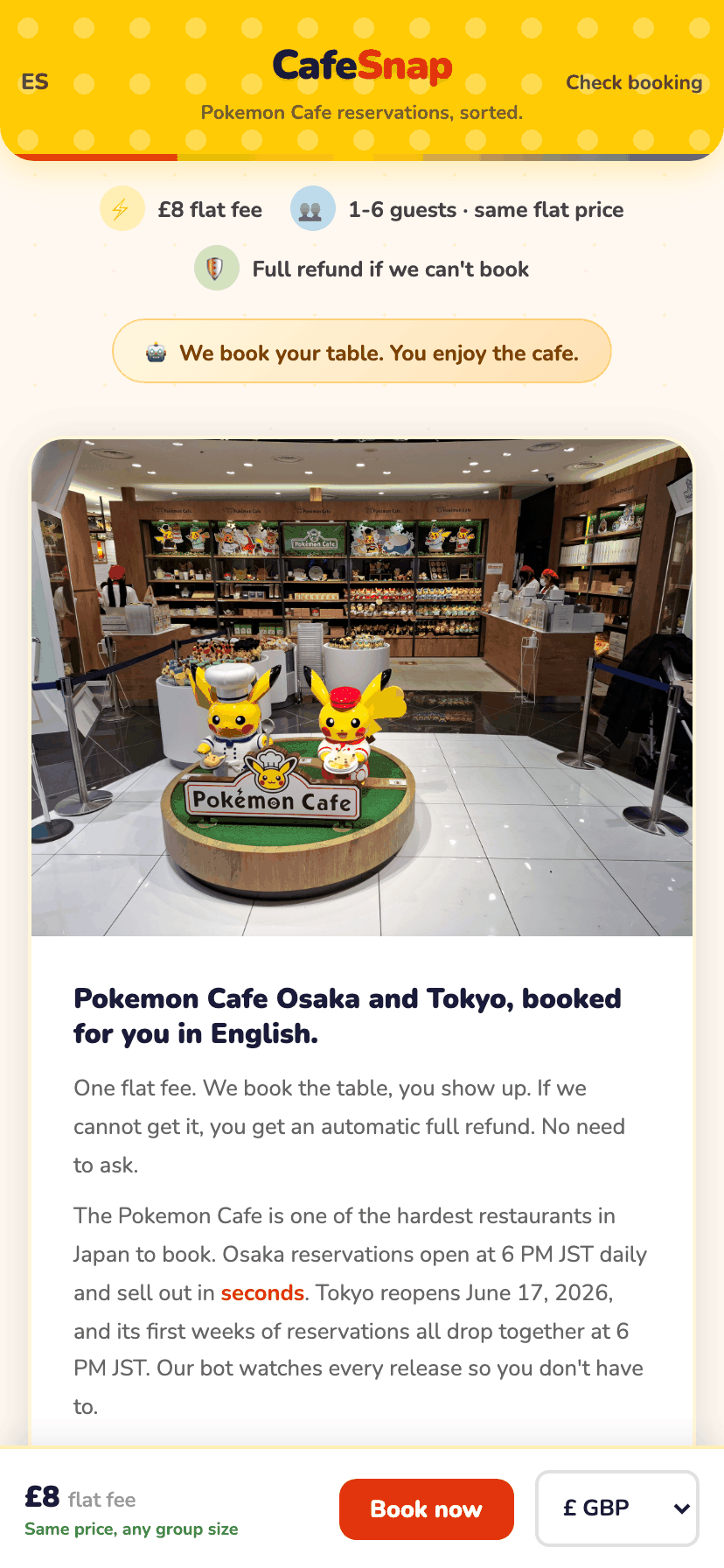
You pick the cafe and your party size
Step 1 of the form asks which cafe (Osaka or Tokyo) and how many people are coming. The Pokemon Cafe allows up to 6 guests per booking, and our flat fee is the same whether you are 1 person or 6. There is no per-person charge.
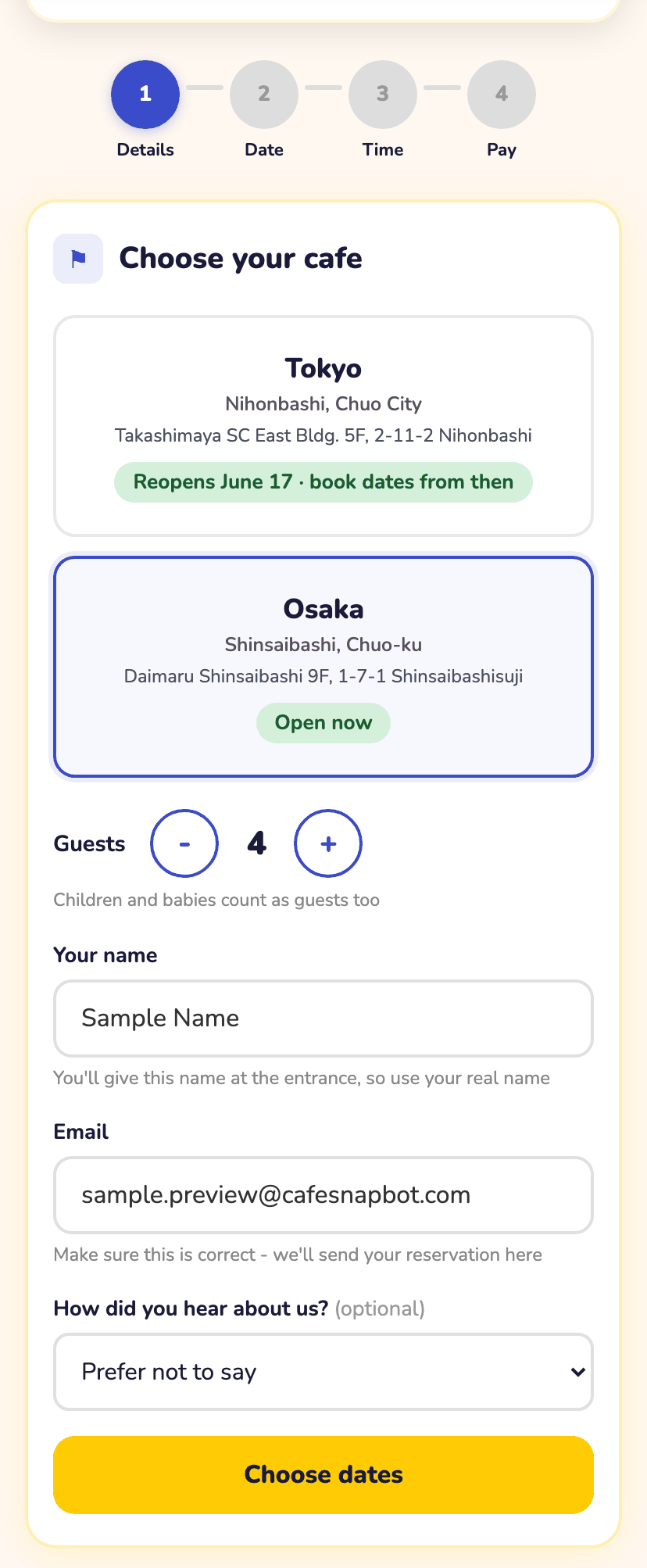
You pick your preferred dates
Next you choose up to 3 dates you would be happy to visit. More dates means more chances for us to find you a seat: more slots to go for when a release drop opens, and more dates to watch for cancellation seats on. You are not locked to one day unless you only give us one.
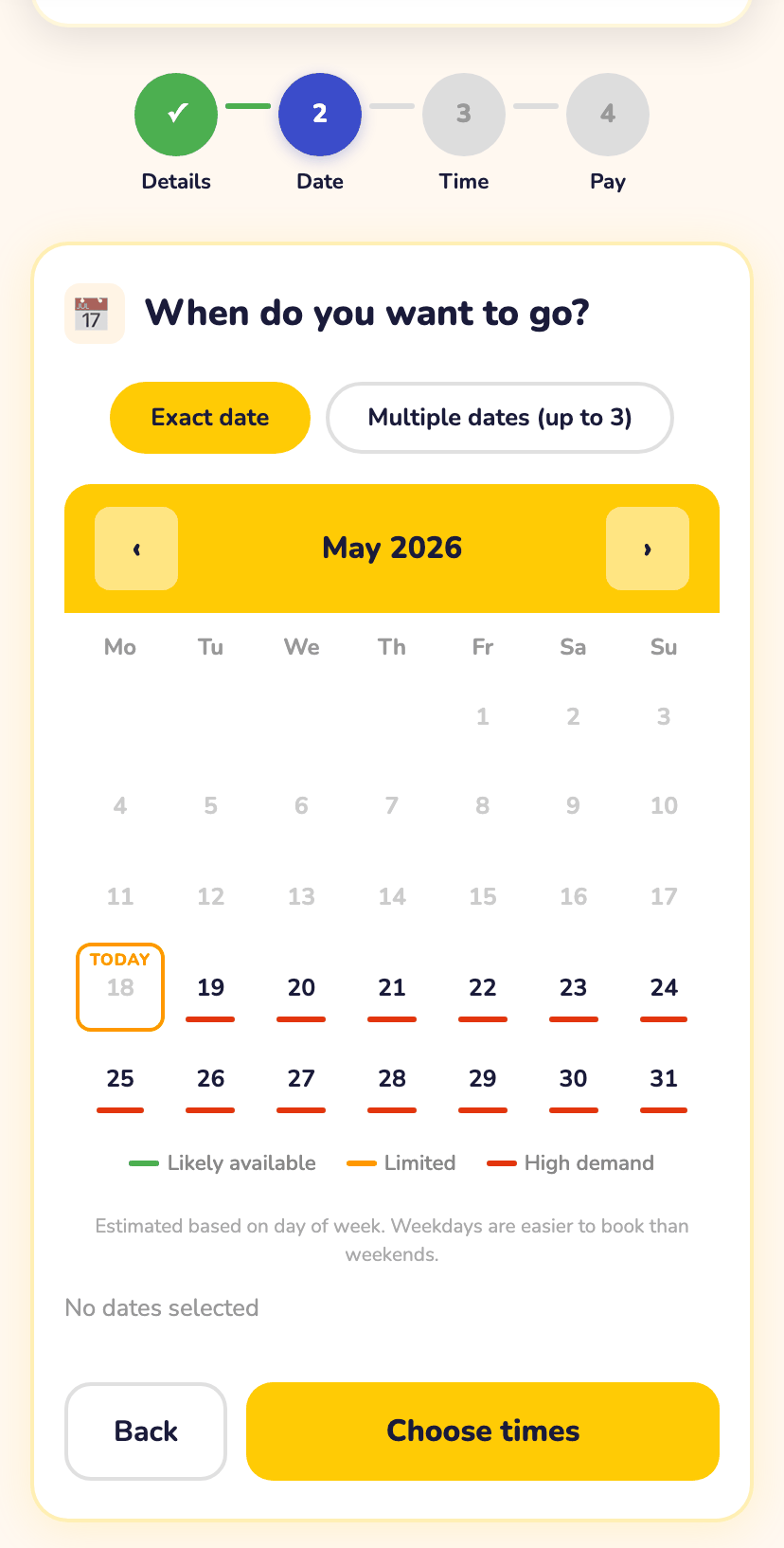
You pick your time preference, then pay the flat fee
Step 3 lets you say which times of day suit you, or pick "any time" if you are flexible. We only ever book a slot inside the times you asked for. We never book a time you did not choose.
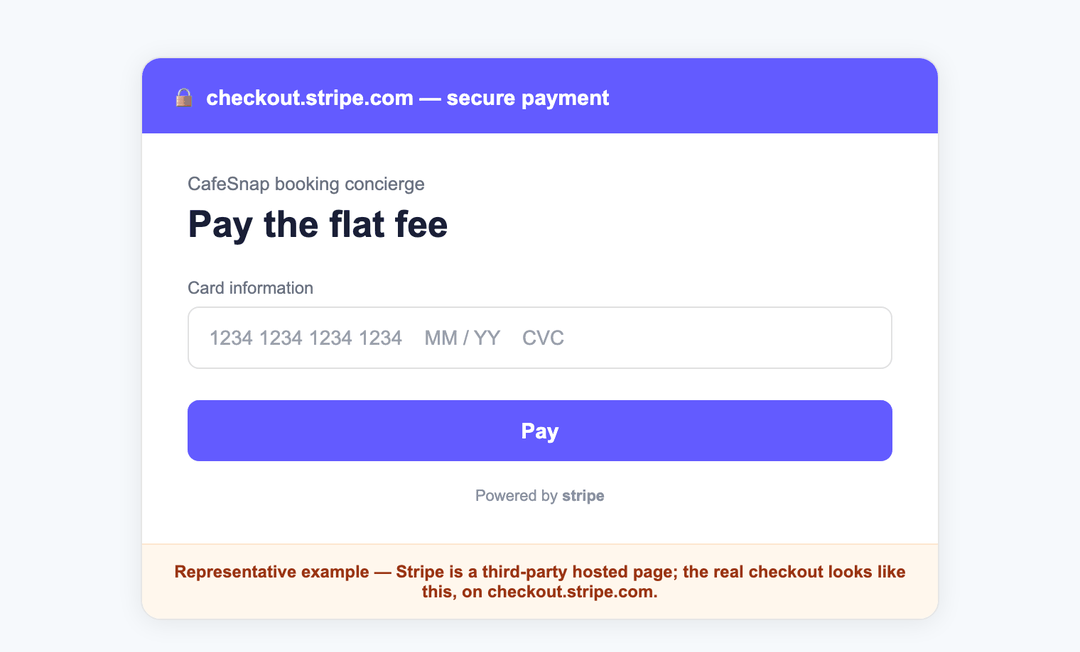
Then you pay. Payment runs on Stripe Checkout, the same hosted payment page used by large companies worldwide. You type your card details into Stripe, not into our site, so we never see or store your card number. The amount is one flat fee, shown and charged in your own local currency, with no per-person cost and no surprise at the end.
Safety check: on the payment page the address bar starts with checkout.stripe.com. If you ever see a different domain asking for card details on a CafeSnap booking, do not pay, email us instead.
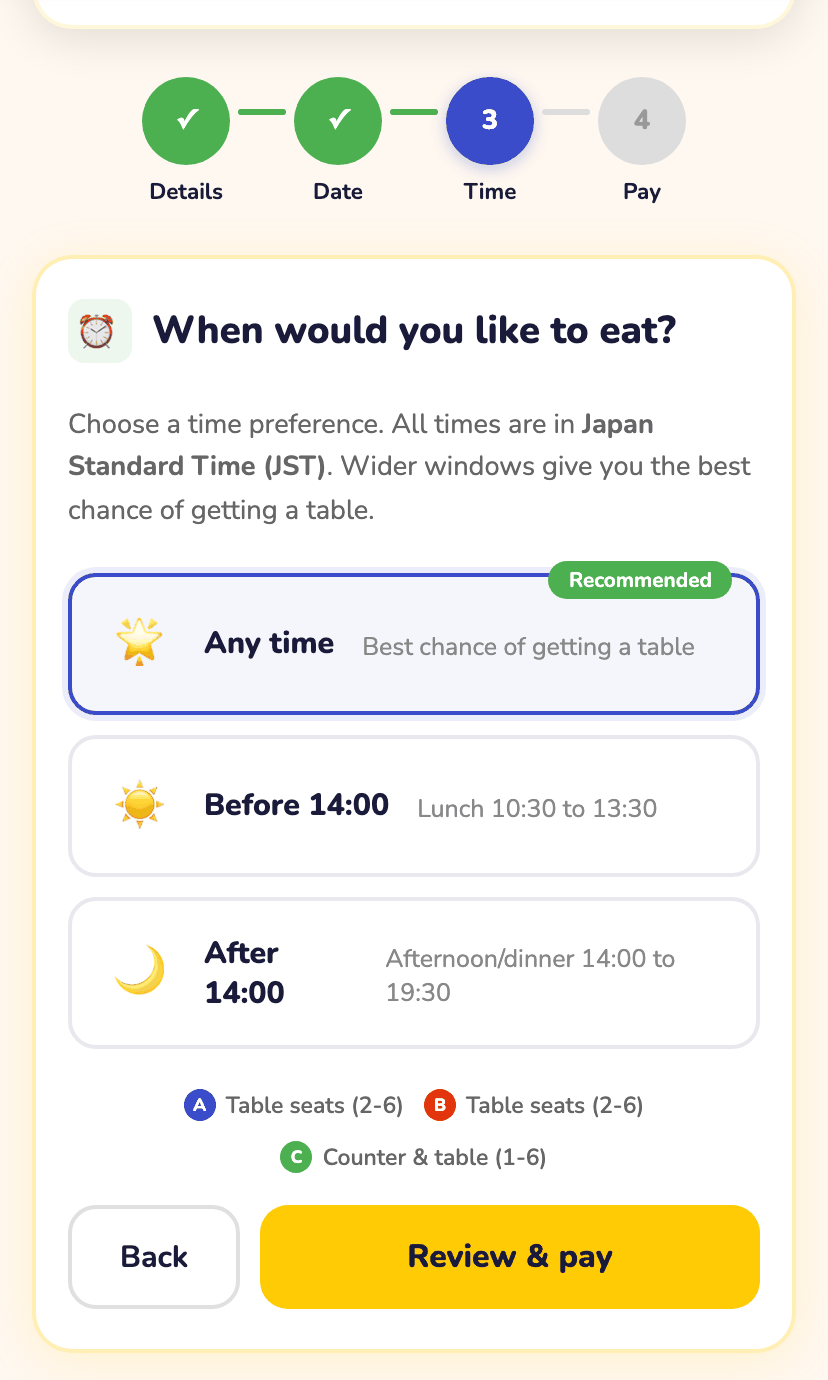
Secure your Pokemon Cafe table
£8 flat, full refund if we can't get it. About two minutes to start, then we do the hard part.
Reservar con CafeSnapThe bot goes to work for you
The moment your payment clears, you are done. Our software starts working for you immediately. If your dates have not been released yet, it competes in the cafe's next monthly bulk drop at 6pm Japan time. If they are already released and sold out, it checks for cancellation openings hundreds of times a day, so the second a seat appears for one of your dates and times, we grab it within seconds.
You do not have to do anything during this stage. No logging in, no refreshing, no waiting up for the 6pm release. That is the entire point of the service.
You get the confirmation email
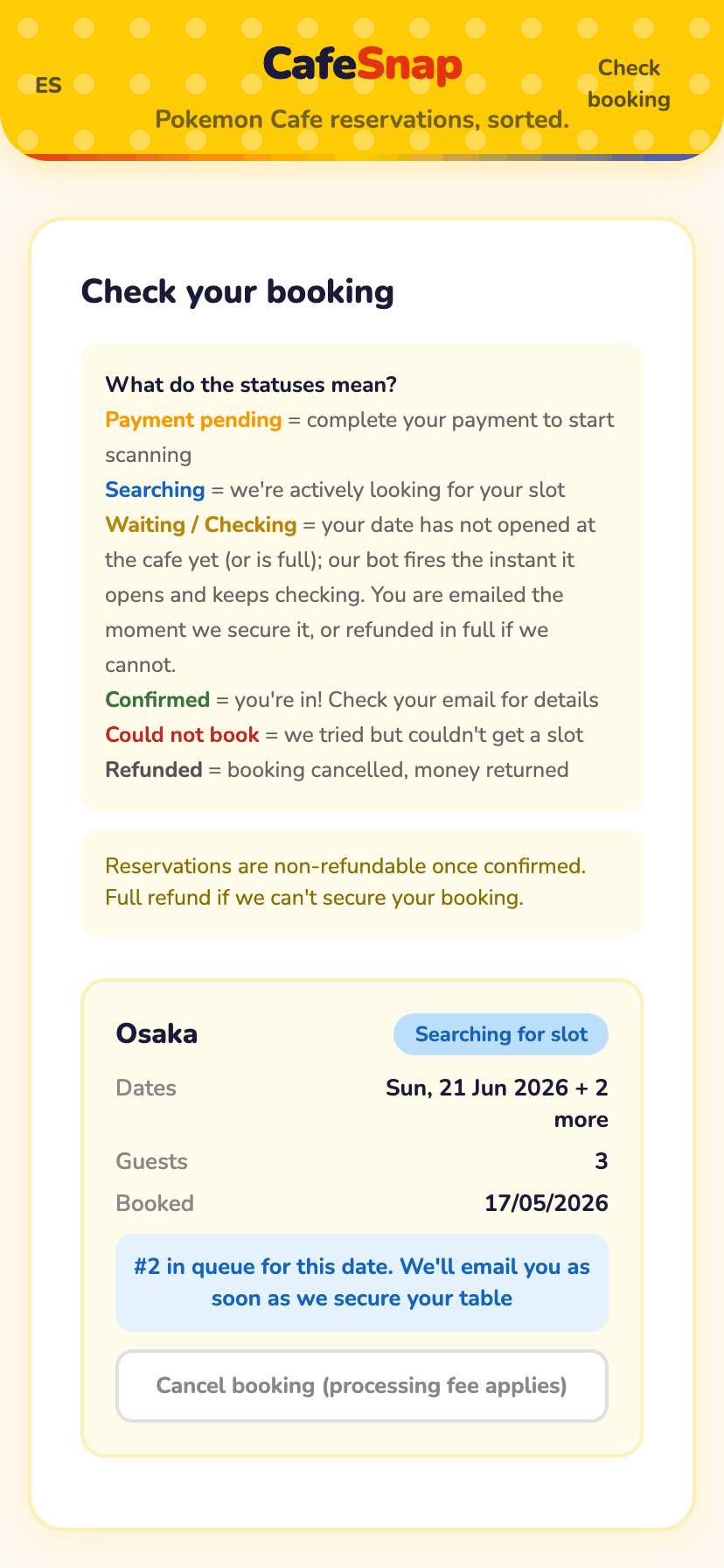
When we secure your seat, you get a confirmation email with the cafe, the date and the time. The email says plainly: we successfully found a slot and booked it, your seat is secured.
One thing that confuses a lot of people, so we say it clearly: there is no reservation ID, ticket or QR code, and you do not need one. You simply give your name at the Pokemon Cafe front desk and that is all the cafe needs to seat you. The booking at the cafe is in your real name because that is the name we submitted.
At the cafe: give your name at the entrance. Your session is 90 minutes, last food orders are 30 minutes before it ends, and every guest aged 6 and over orders at least one item. Arrive 5 to 10 minutes early.
Checking status or cancelling
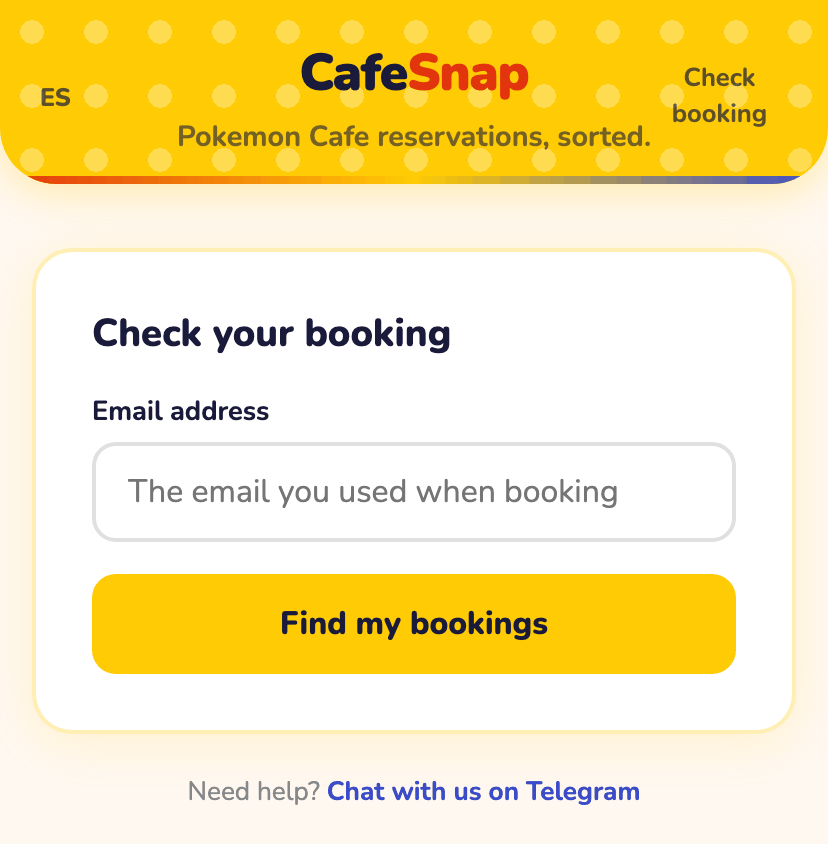
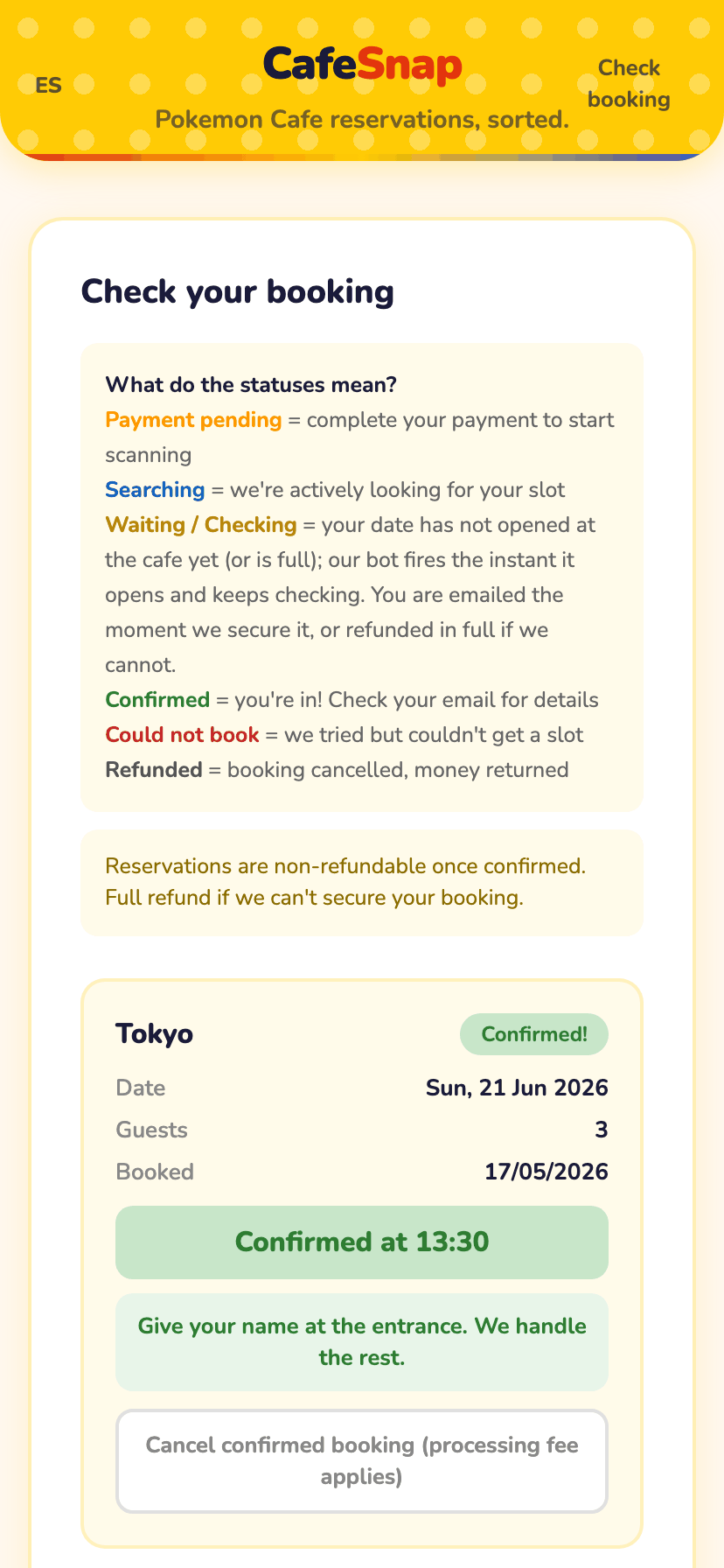
You can check your booking any time from the status page using the email you booked with. It shows whether we are still searching or have secured your seat.
If your plans change you can release the seat from there too. If we have not secured a seat yet, cancelling refunds you minus a small processing fee that covers the card fee we already paid. Once we have confirmed a booking at the cafe, the service has been delivered, so cancelling a confirmed booking releases the cafe seat for someone else but the fee is not returned. This is all spelled out in plain English in our terms.
If we cannot book, you get your money back automatically
This is the promise the whole service rests on. If we cannot secure a seat by the day after your last preferred date passes, you get a full automatic refund. You do not have to ask, chase us, or fill in a form. Stripe sends the money back to the exact card you paid with, usually within minutes of the deadline and within a few business days to land in your account.
No seat means no charge kept. The refund is automatic, to your original card, with no action needed from you.
That is the entire journey. About two minutes of your time at the start, then we handle the hard part: winning a seat in a release that sells out in seconds, with your money protected the whole way through.
¿Listo para probarlo?
Tarifa plana equivalente a 8 GBP, mostrada y cobrada en tu propia moneda local. Reembolso automático si no lo conseguimos. Sin cargos por persona.
Reservar con CafeSnap